Mobile interface
Taghvim Mah
Three calendars in one daily view
PROJECT PREVIEW
A look at the design
A mobile day view for events, Persian, lunar and Gregorian equivalents, and daily time information.
- MY ROLE
- Interface design
- PROJECT TYPE
- Design project
01 / CONTEXT & OPPORTUNITY
Keeping the selected day clear
Dates, events and time references need to point to the same day. The interface must make a day change clear and keep the three calendar systems distinguishable.
Changing the day should consistently update the context of time-related information. Recognizing the selected date and its calendar equivalents is part of the core daily task.
02 / DESIGN RATIONALE
Using the date as the organizing anchor
Calendar equivalents sit in one comparable group. Events have separate cards, and the day selector keeps navigation close to the corresponding information.
Grouping dates supports comparison and event cards separate the day's content. Today and the selected day need distinguishable cues beyond color alone.
03 / DESIGN IN PRACTICE
Two views of one browsing pattern
The gallery shows two instances of this structure, connecting the selected date to its events and time references.
Selected design details
04 / NEXT STEPS
Proposed evaluation and implementation considerations
Proposed evaluation includes changing the day and finding an equivalent date and event. Empty days, long event titles and location or time-zone changes are important implementation scenarios.
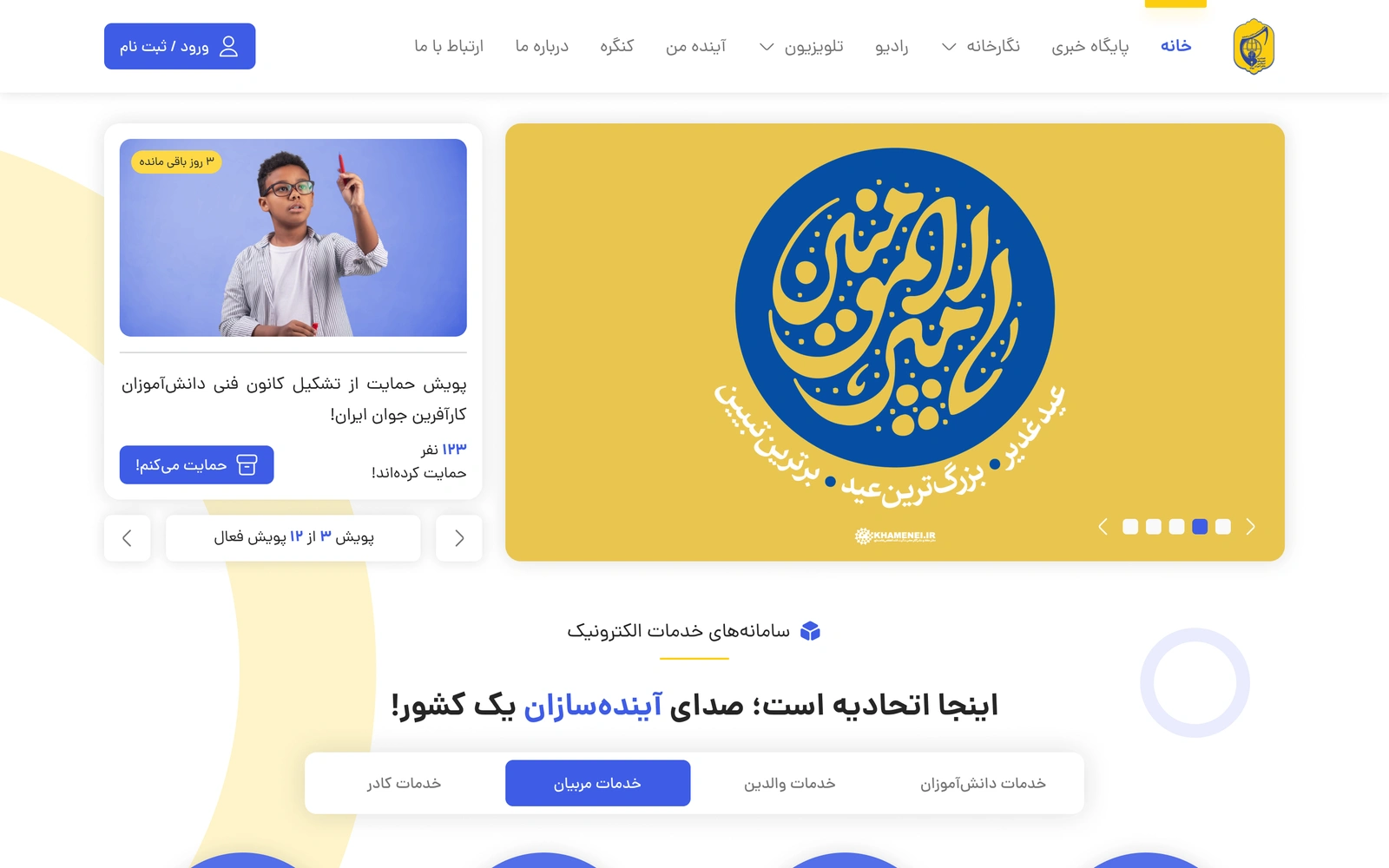
Ayandehsazan
Services and media portal
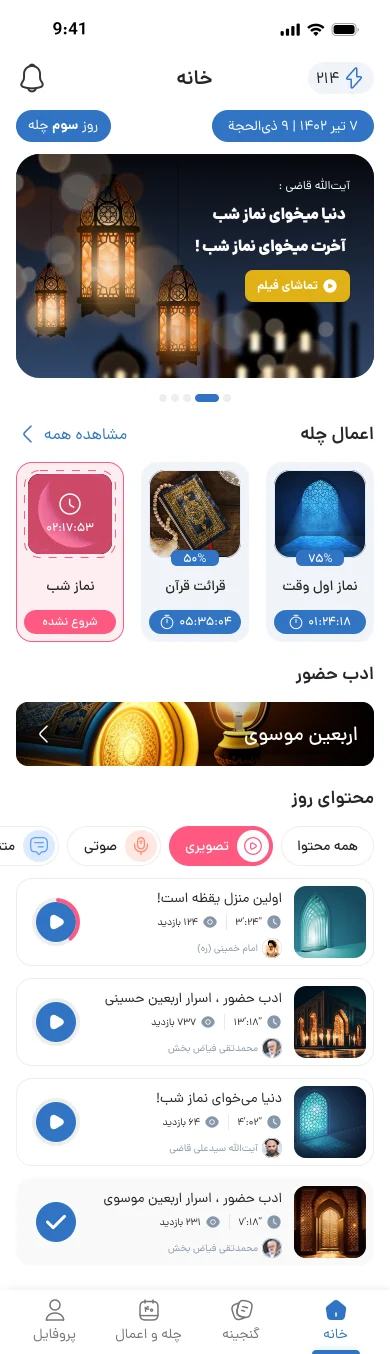
Solouk
Content app
Ready for your product’s next chapter?
Let’s talk