Design study presentation
Honar Koodak
An interactive account of problem framing
FIGMA / INTERACTIVE PROTOTYPE
Figma may take a moment to prepare the design. Once it appears, click inside to interact. File viewing permission is required.
An interactive presentation for exploring the project context, empathy phase, personas and problem framing behind Honar Koodak.
- MY ROLE
- Presentation design
- PROJECT TYPE
- Design project
01 / CONTEXT & OPPORTUNITY
Supporting different reading paths
Someone may need the project context first or want to jump straight to the persona and problem. The relationship between topics should remain clear when they enter midway through the story.
The presentation aims to make the relationship between context, empathy, persona and problem framing traceable. Nonlinear entry should still leave the reader oriented within the narrative.
02 / DESIGN RATIONALE
A topic menu for nonlinear exploration
Four entry points organize the presentation: project overview, empathy, persona and problem, and Q&A. Each uses a distinct image and heading so its topic is recognizable before opening it.
A topic menu supports direct access. Each section needs enough context to stand on its own and an identifiable route back to maintain coherence.
03 / DESIGN IN PRACTICE
Exploring the study in the prototype
Visitors can open a section from the menu and follow the study according to their question. Selected slides show the visual structure alongside the interactive presentation.
Selected design details
04 / NEXT STEPS
Proposed evaluation and implementation considerations
Proposed evaluation focuses on understanding how evidence relates to problem framing and finding a section. Focus order, return navigation and slide readability across sizes also need review.
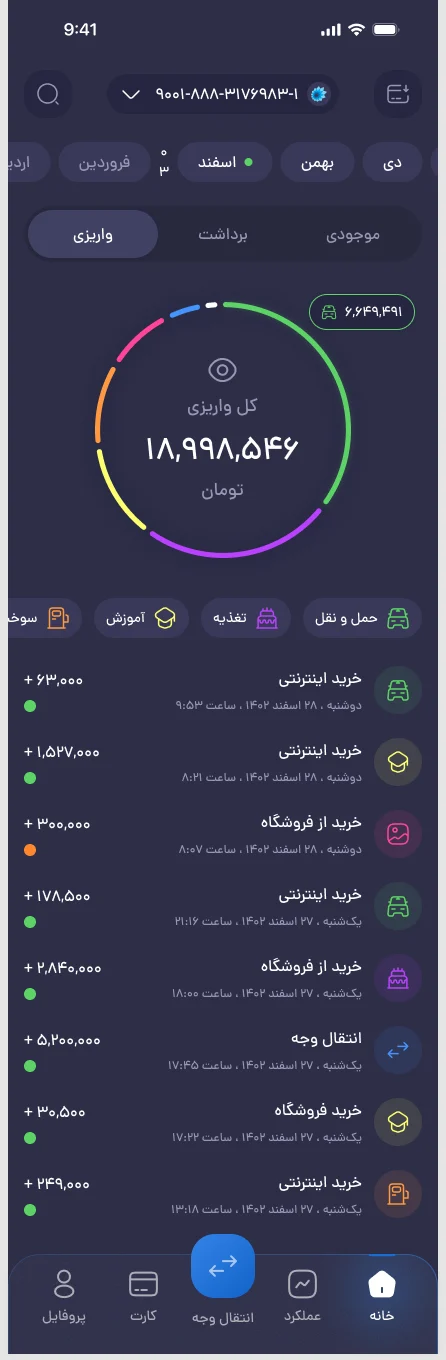
Transaction App
Mobile interface
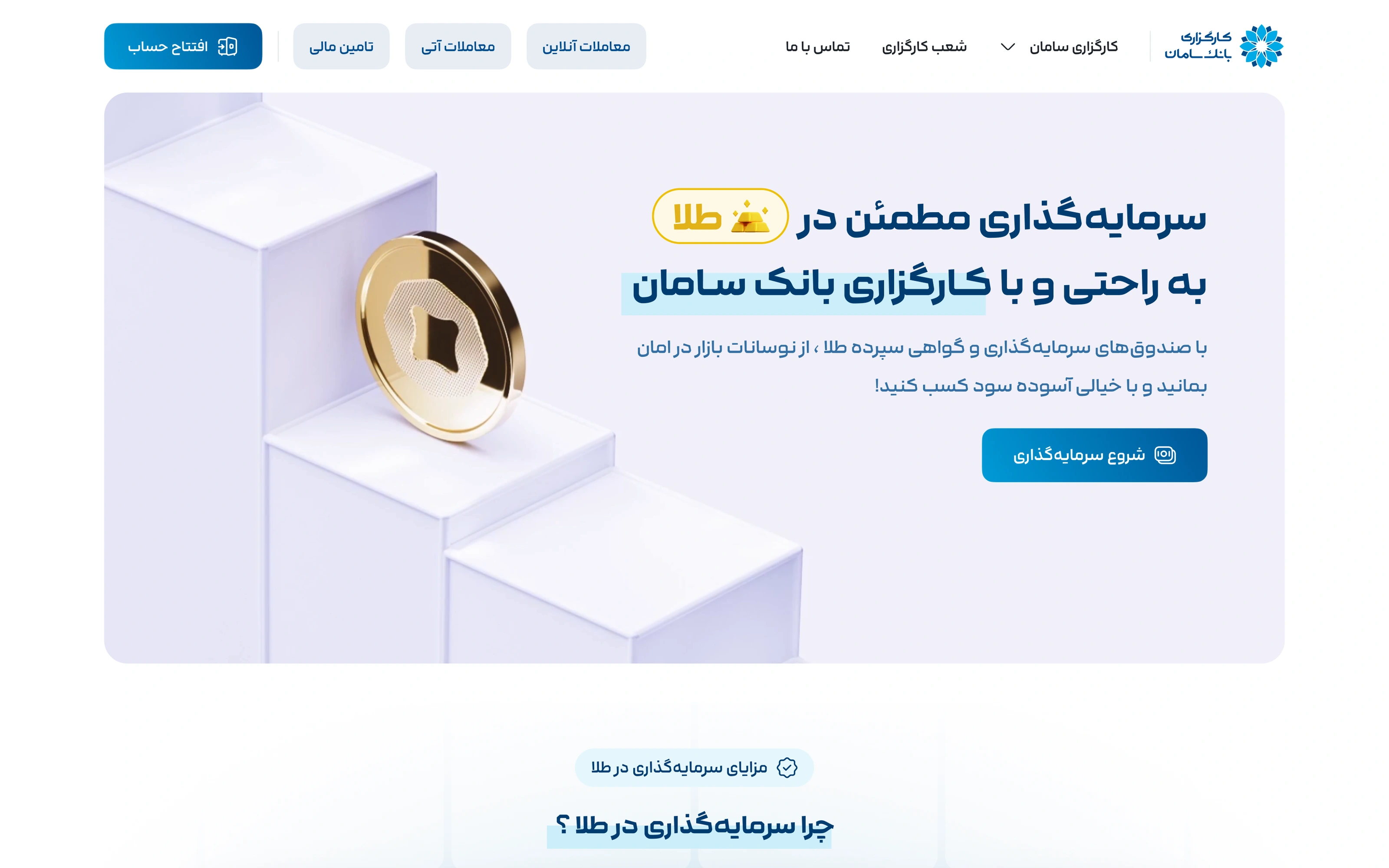
Saman Gold
Financial landing page
Ready for your product’s next chapter?
Let’s talk